AI abaya photography on model
With Lenci you photograph your abayas on a model with AI, without a shoot: you choose the model, the head cover, the pose and the set, add a photo of your abaya as a reference, then generate the picture for free with your own ChatGPT, Gemini or Grok account; your AI provider's limits and charges apply under your plan.
Shoot your abaya in Diriyah How to shoot free with your own AI
Last updated
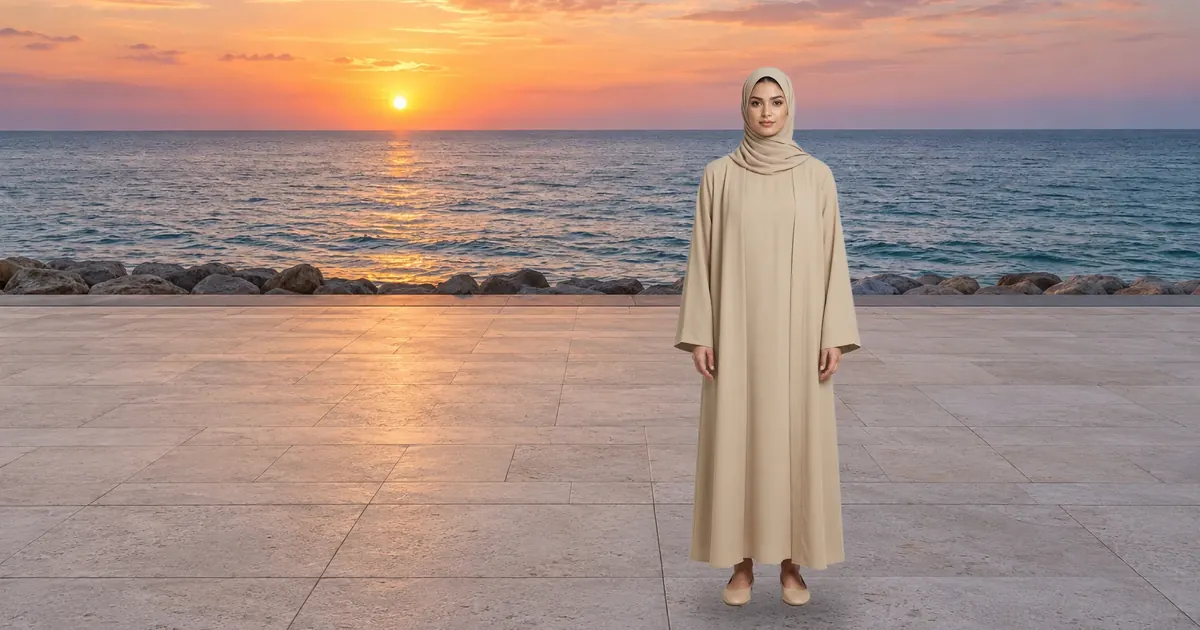
Which abaya photo to upload
The reference photo is what the AI sees of your abaya, so the clearer it is, the closer the result stays to the real piece. Add the abaya to your Wardrobe once signed in, then pick it in the Studio, and the instructions ask for the model to wear exactly that garment.
The Studio only offers a garment to a person it is cut for, so the abaya never lands on a male model.
- One clear photo per piece on a plain background, with the whole abaya centred.
- Soft daylight with no hard shadow on the wall, so the fabric's true colour shows.
- If the abaya has embroidery or a special detail, add a sharp close-up of it.
- Every photo is resized to 1600 pixels before upload, so there is no need to prepare it.
Choose the model and the hijab style
In the Studio you start with the person: a woman or a man, then the age band, one of four (18–29, 30–44, 45–59 and 60 and over). Next come the outfit and the head cover; every women's outfit in the catalogue offers two: “Hijab (shayla)” or “Hair up, uncovered”.
The women's outfits in the catalogue include “Classic black abaya”, “Open sand abaya”, “Embroidered jalabiya” and “Modest evening dress”. You pick the face from the catalogue faces, including faces with hijab, or use your own model after her explicit permission.
The preview shows a model image made for exactly that outfit, head cover and pose, while the face in the final picture comes from the face you choose.
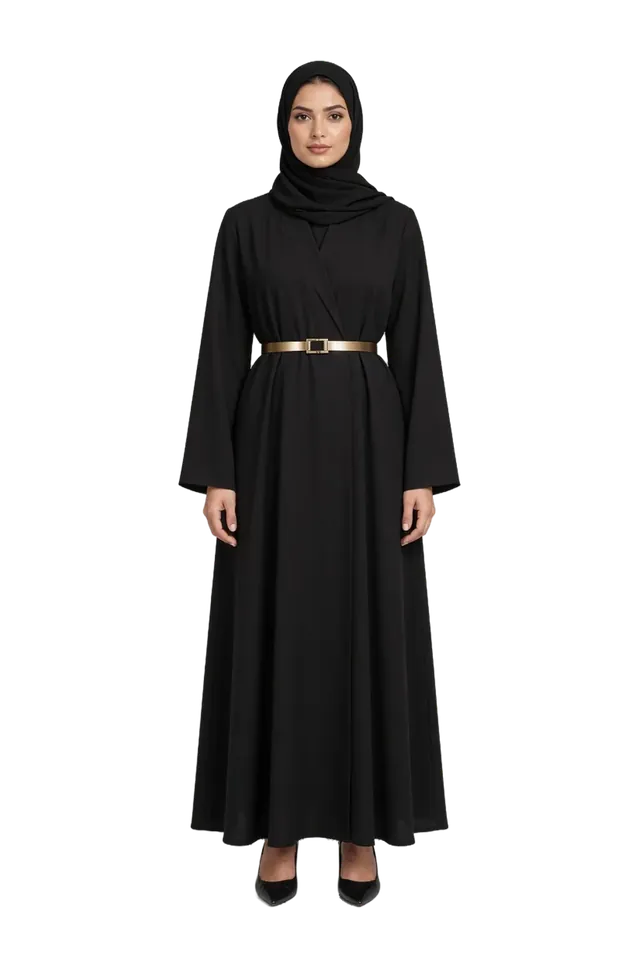
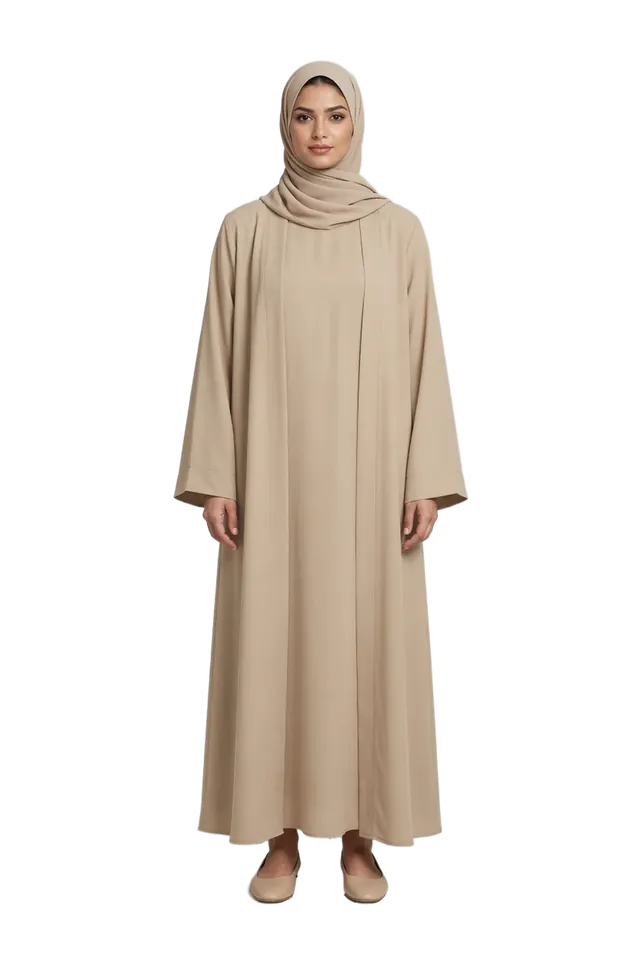
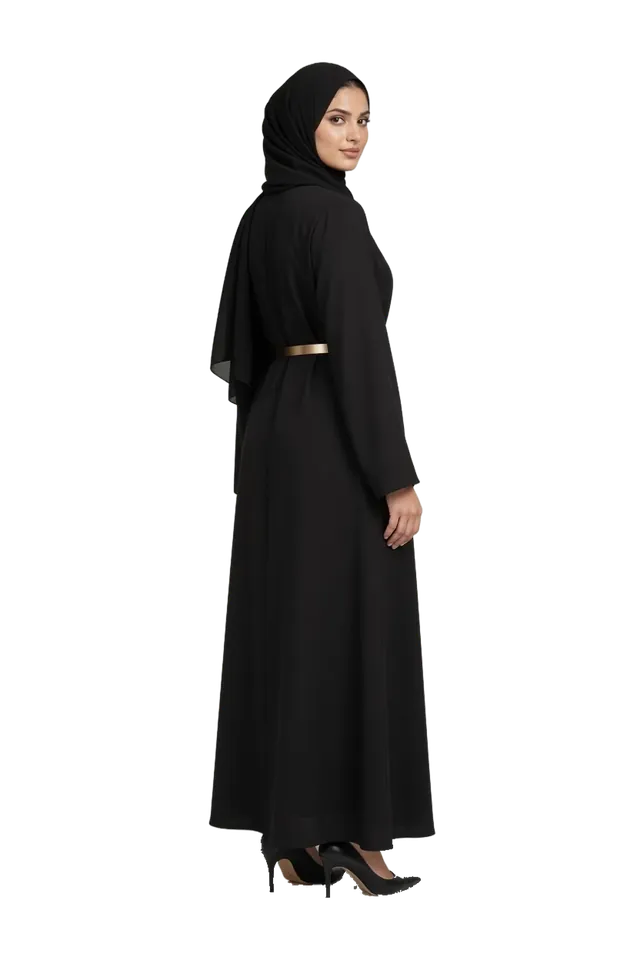
Saudi sets for abayas
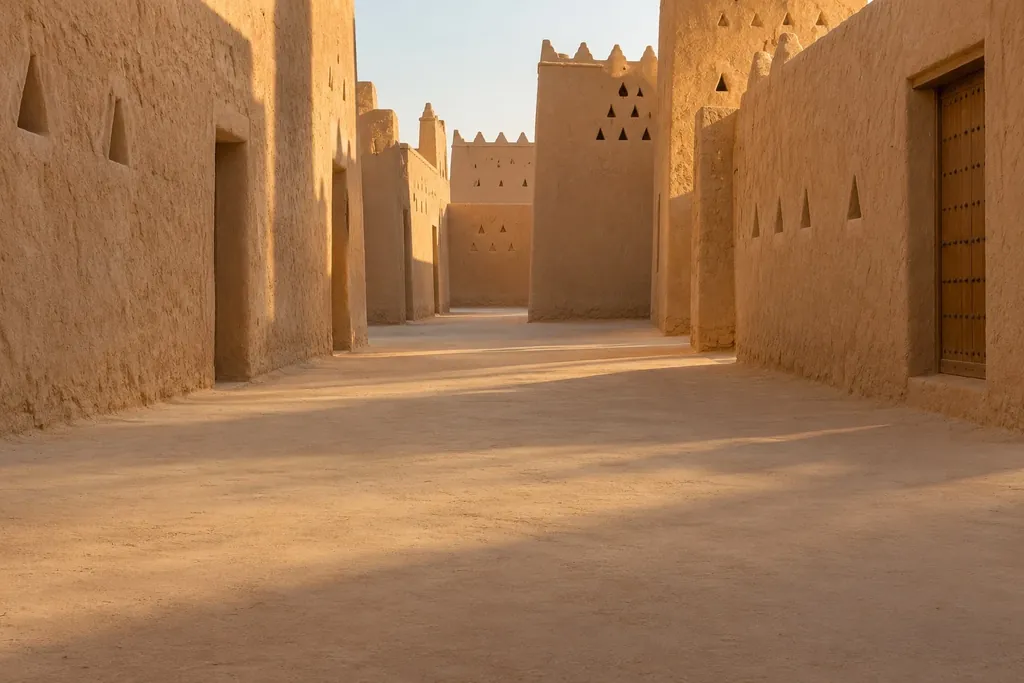
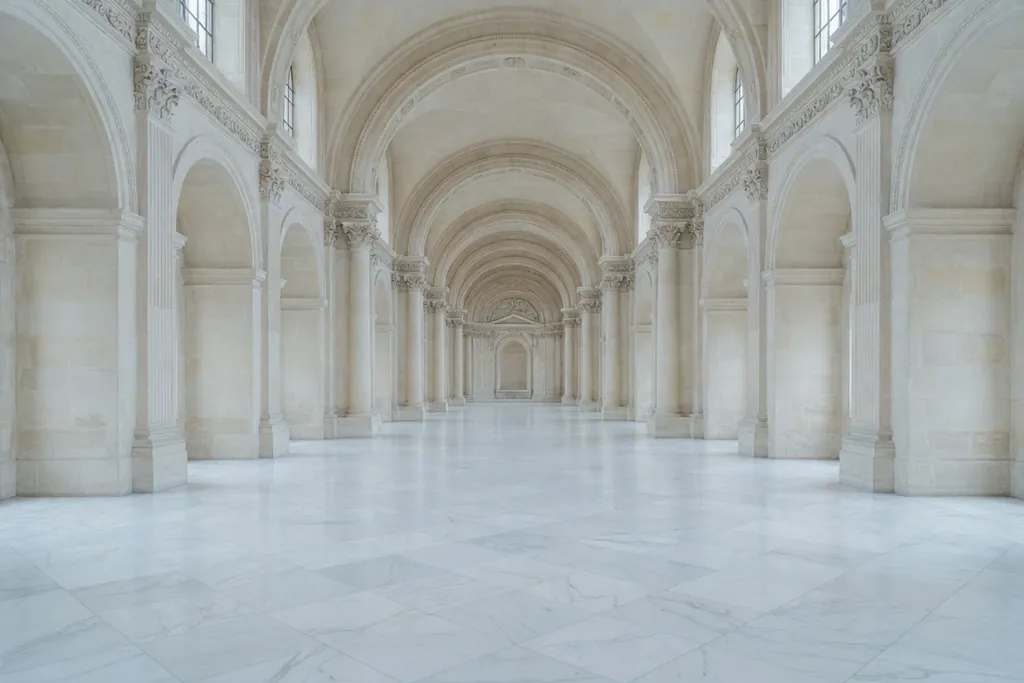
A black abaya stands out against warm mud-brick walls, and a light abaya looks elegant against the sea or marble. Catalogue sets that suit abayas include “Diriyah · Golden hour”, “Jeddah corniche · Sunset”, “Palace hall”, “Old souq” and “Marble gallery”, and for clean store photos “Studio · Day” with seamless paper in a colour you choose.
You set the time of day and the lighting for each set: golden hour for warmth, daylight for accurate colour, night for occasion wear.
One model for the whole collection
To keep your collection consistent in the store, fix everything except the abaya: save your scene from the Presets menu with “Save as look…”, then swap the piece from your Wardrobe and keep the face, set, lighting and framing as they are.
If you work with a real model, add her photos under My models after her explicit permission: the front photo is required, and side, three-quarter and back photos improve the match; the Studio then sends them as the identity reference with every shot, which helps keep the same face, so check each result.
Feed, story and store sizes
You choose the framing in the Studio, and the instructions ask the AI for that format. Some tools generate a size close to it, so check the result and crop it in the Editor with its platform presets.
- Lookbook 4:5: for an Instagram portrait post.
- Story 9:16: for Stories, TikTok and Snapchat.
- Square 1:1: for Instagram and LinkedIn, and suits product pages in your store.
- Editorial 2:3 for tall images, and Cinematic 16:9 for X and LinkedIn.
Ready looks
Start from a ready look, swap in your abaya and shoot it with your own account as described on Shoot with your own ChatGPT, Gemini or Grok. To vary the line-up, read AI fashion models.
Frequently asked questions
Will the fabric and embroidery show accurately?
That depends on how clear your reference photo is and on the AI you use. Some fine details can change, so compare the result with the real piece before you publish: a product photo must not mislead the buyer.
Can I use the same model for the whole collection?
Yes. Pick the same face for every shot, or save the scene as a look and swap only the abaya, and Lenci describes the same person every time.
Are the models real people?
No. The catalogue faces and the model images in Lenci's preview are generated with AI and do not depict real people. If you use photos of a real model, they are photos you add with her permission.
Can I use a real model's face?
Yes, as long as she has explicitly allowed her likeness to be used in generated images. Add her photos under My models and confirm the consent; the Studio uses them as the identity reference in every shot, and you remain responsible for that permission under the Terms.
What is the best reference photo for an abaya?
One clear photo of the whole abaya on a plain background, in soft daylight with no hard shadow, plus a close-up of any embroidery.
Can I prepare Ramadan and Eid photos?
Yes. Choose a set such as the palace hall or the desert camp, and see the Ramadan content calendar for the campaign's timing and phases.