AI jewellery and watch photography
Lenci is a virtual studio for photographing jewellery and watches with AI: you upload clear photos of your piece, choose a black backdrop or the palace hall, the lighting, a close-up and sparkle, then generate the picture for free with your own ChatGPT, Gemini or Grok account, with no Lenci credits; your AI provider's limits and charges apply.
Try the black velvet scene How to shoot free with your own AI
Last updated
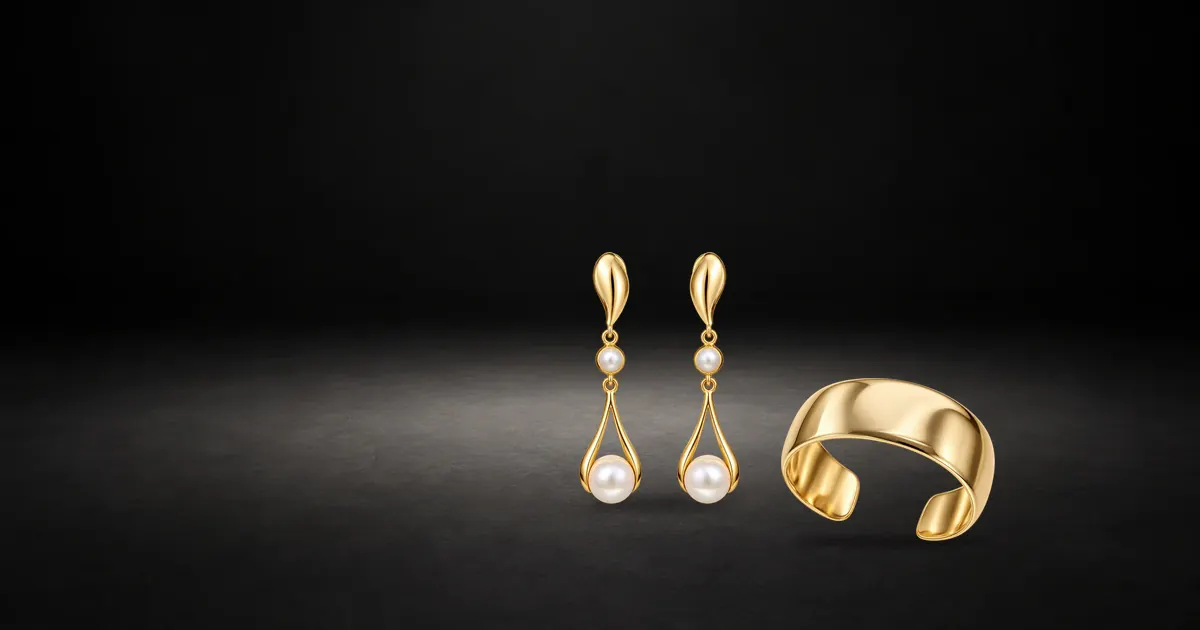
Black velvet and palace gold
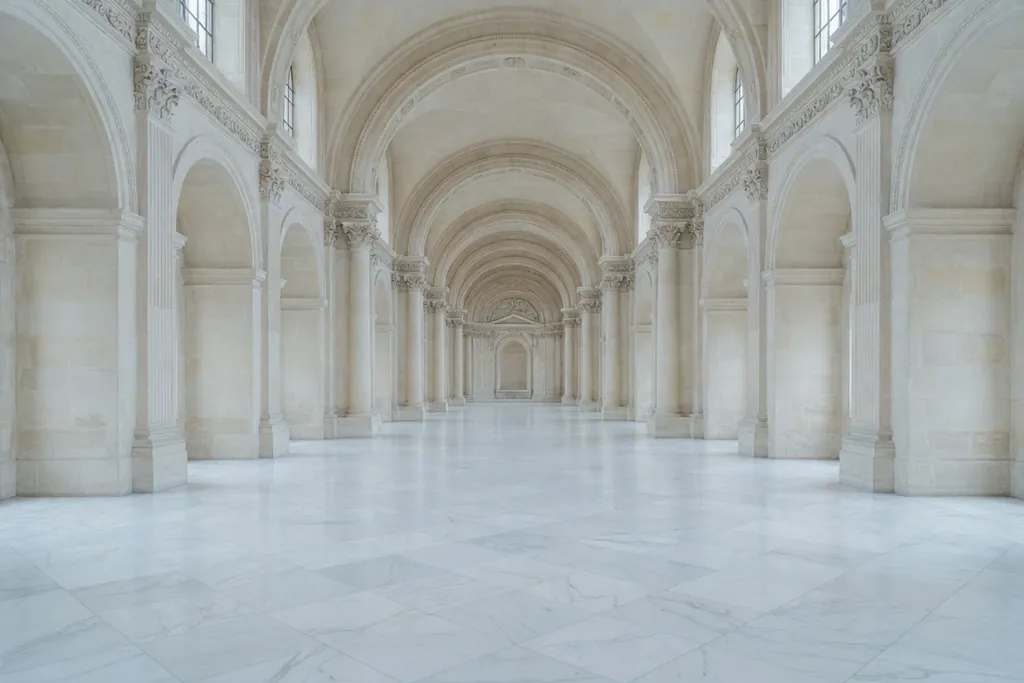
Lenci has two ready styles for jewellery. The first, “Jewellery · black velvet”: a black backdrop in a night mood, with a strip box from the side, a hard rim light and the “Sparkle” effect, so the piece shines and the background disappears. The second, “Jewellery · palace gold”: the “Palace hall” at golden hour with a “Marble column” and the “Lens flare” effect, for occasion and gift pictures.
Other catalogue sets such as “Marble gallery” and “White seamless” suit clean store photos.

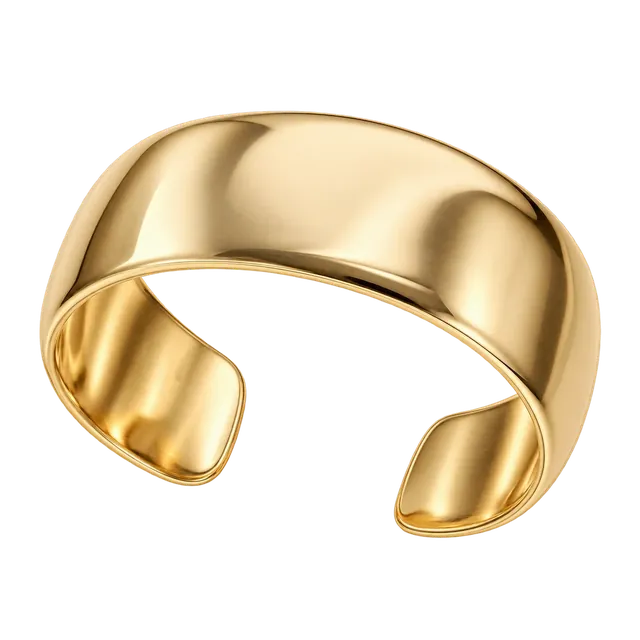
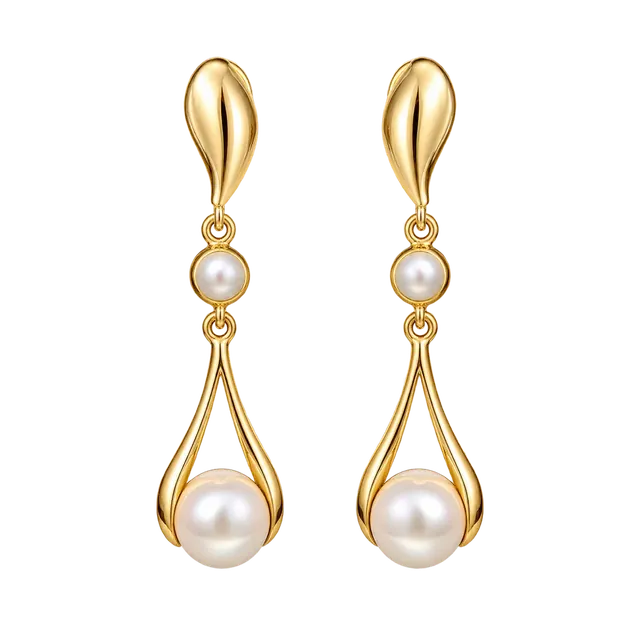
Close-up camera and angles
Jewellery needs you to get close: choose the “Close-up” framing, a long focal length and an aperture that sets how sharp the background is. Change the camera angle from “Eye level” to “High 45°” to show a watch face, or to “Top-down” to lay out a full set on a flat surface.
Lenci writes the lens, the angle and the framing into the instructions, so the AI receives them as you arranged them in the preview.
Shine and reflections
- A “Strip box” from the side draws a soft line along the edges of gold and glass.
- “Hard light” in the rim position behind the piece separates it from a black background.
- The “Sparkle”, “Bokeh lights” and “Lens flare” effects add an occasion glow; use them lightly so they do not hide the piece's details.
- A warmer colour temperature suits gold, a slightly cooler one suits silver and diamonds.
Worn on a model
To show a piece worn, add it to your Wardrobe once signed in, then pick it in the Studio with a catalogue model. Jewellery and accessories are worn with the outfit, not in its place, so the abaya or the dress stays as it is.
In shots of hands and fingers, check the result closely: the Terms point out that AI results can contain errors in hands and products.
Gifting seasons
If your jewellery and watches are bought as gifts in the seasons, prepare their pictures before White Friday, Ramadan and Eid, and plan their posts with Nawaa. Shoot them with your own account as described on Shoot with your own ChatGPT, Gemini or Grok.
Frequently asked questions
Will engravings and stones stay accurate?
They stay close to the original when your reference photo is sharp and close, but the AI can change the number of stones or the shape of an engraving. Compare every result with the real piece before you publish: a product photo must not mislead the buyer.
Can I show rings and bracelets on a hand?
Yes, by adding the piece to your Wardrobe and choosing a model and a close-up. The catalogue has no dedicated hand pose, so check the fingers and the position of the piece in every result.
Can I photograph watches?
Yes. Upload a clear photo of the watch face and another of its side, choose a close-up and the “High 45°” or “Eye level” angle, and check that the hands and numerals came out as on your watch.
Which reference photos do I need?
A front photo on a plain background in soft daylight is enough to start. A three-quarter photo, a close-up of the logo or engraving, and a photo of the piece in a hand to show its size all improve the result.
Can I keep the collection's style consistent?
Yes. Start from “Jewellery · black velvet” or “Jewellery · palace gold”, save your scene as a look, then swap only the piece in each shot.