AI perfume and oud product photography
Lenci is a virtual studio for photographing perfume, oud and bakhoor with AI: you upload a clear photo of your product, choose the set, the lighting and effects such as smoke and a water splash, then generate the picture for free with your own ChatGPT, Gemini or Grok account, with no Lenci credits; your AI provider's limits apply.
Start your perfume scene in the Studio How to shoot free with your own AI
Last updated
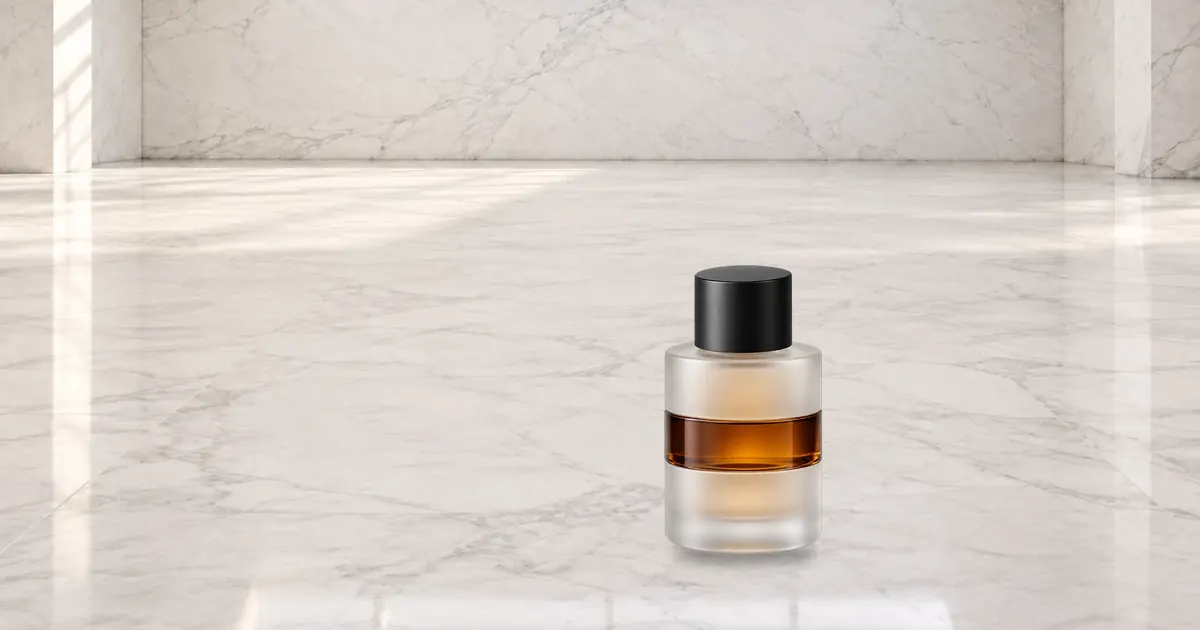
Photograph the bottle as a clear reference
The AI redraws your product from its reference photo, so the clearer the photo, the closer the bottle, cap and label stay to the real thing. The photo guide in the Studio walks you through these angles; the front photo alone is enough to start, and every extra angle sharpens the result:
- Front: a plain background, the product centred, soft daylight and no shadow on the wall.
- Three-quarter: turn the bottle 45 degrees so the front and one side show, with depth.
- Detail: a sharp close-up of the logo, the label or the cap's pattern.
- Scale in hand: the bottle in a hand or next to a familiar object, to show its real size.
- Top-down, side and back as well, if the box or the bottle has a distinctive shape.
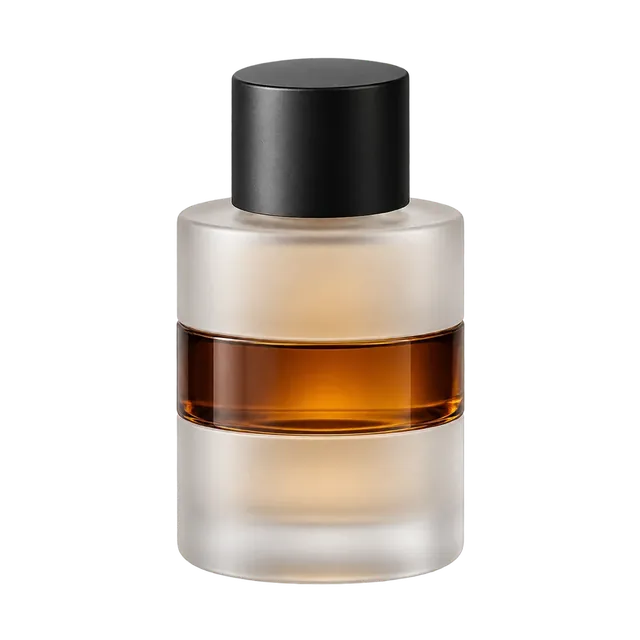
Sets that suit fragrance
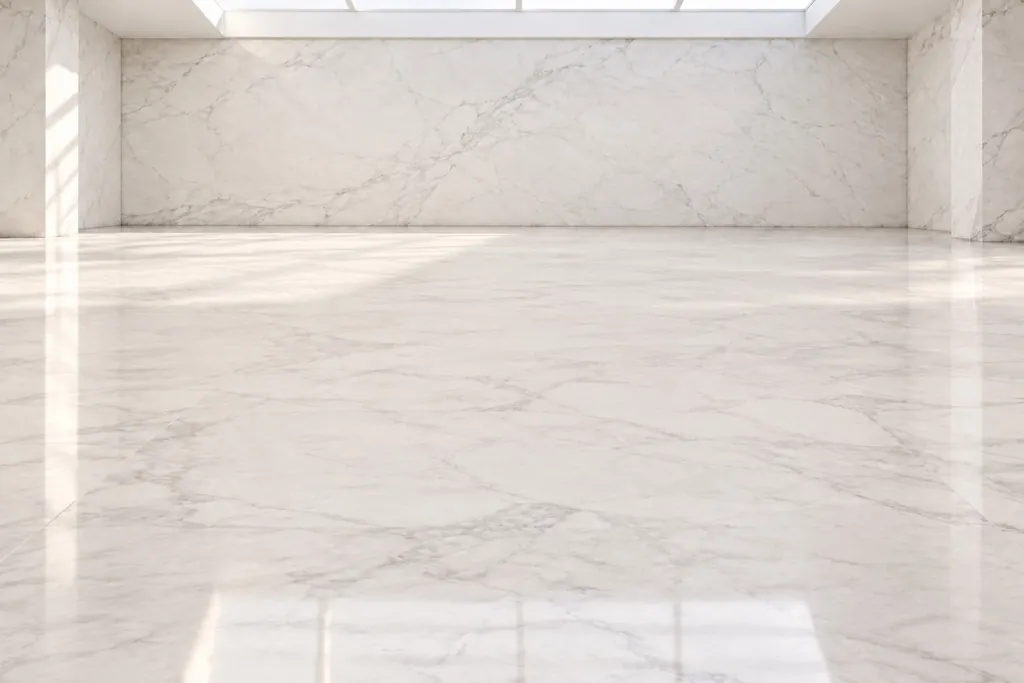
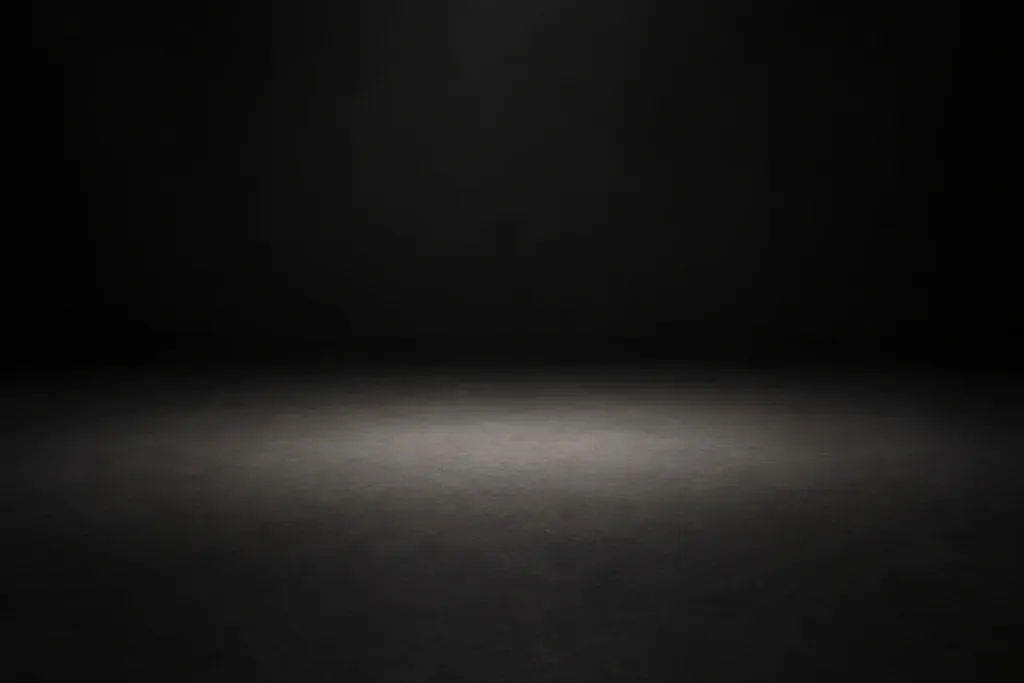
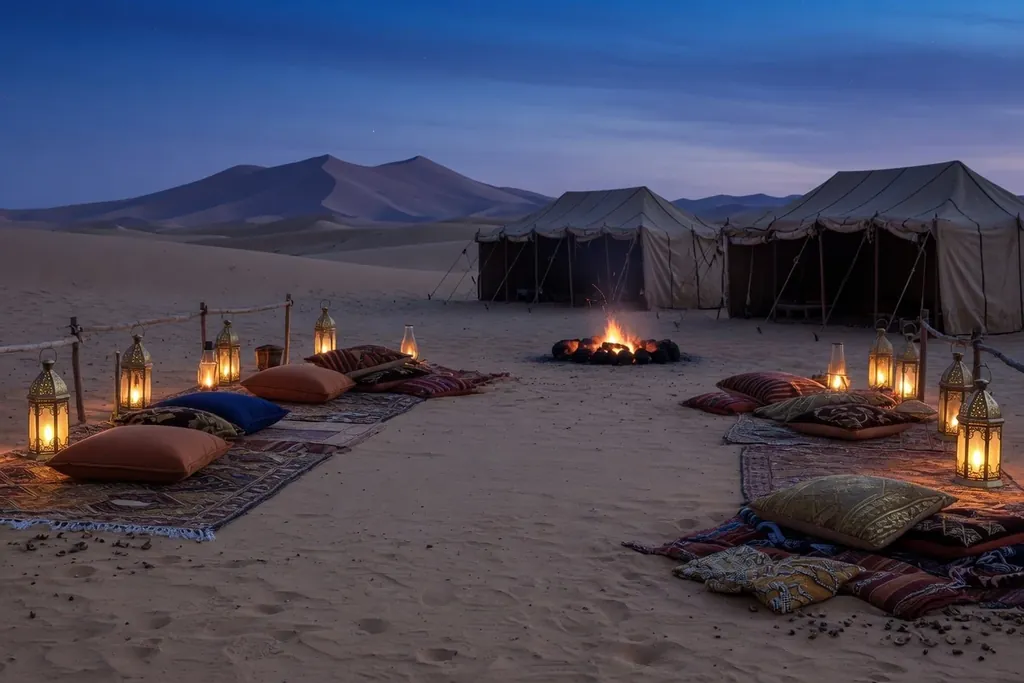
Fragrance suits calm sets that keep the bottle in front. Catalogue sets include “Marble gallery” for quiet luxury, “Palace hall” for occasions, “Black seamless” to bring out glass and light, and “Desert camp” and “Dunes · Dusk” for oud and amber scents.
You can place catalogue props around the product, such as a “Pedestal”, a “Marble column”, a “Black cube” or a “Velvet curtain”, to build a composition like a perfume shop window.
Smoke, water splash and light
In the effects section you add what gives a fragrance a sense of scent and movement, and Lenci describes each effect in plain words in the instructions for the AI.
- “Smoke” and “Haze machine” for bakhoor, oud and warm moods.
- “Water splash” for fresh scents, and “Wet floor” for a reflection of the bottle.
- “Sparkle”, “Bokeh lights” and “Lens flare” for gift and occasion pictures.
- Light sources whose type, colour temperature and softness you choose: a “Strip box” to edge the glass, a “Softbox” for even light, and “Hard light” for crisp shadows.
With or without a model
For the store, a photo of the product alone on a clean background is often enough. For Instagram and Snapchat campaigns you can choose a catalogue model, a man in thobe and ghutra or bisht, or a woman in an abaya, and place your perfume beside them in the scene as a companion product; the instructions then ask for it to be reproduced faithfully where you put it.
The catalogue has no pose for holding a product in the hand yet, so if you need that shot, try several results and check the hands and the bottle closely.
Gifting seasons
If your perfumes and oud are bought as gifts in the seasons, plan their posts with Nawaa, prepare your White Friday and Ramadan and Eid pictures early, and shoot them with your own account as described on Shoot with your own ChatGPT, Gemini or Grok.
Frequently asked questions
Will the text on the bottle stay correct?
Not always: AI can change the small letters on a label. Add a clear close-up of the label, check the text in every result before you publish, and if it changed, generate again or correct that part with an AI edit in the Editor, which uses Lenci credits.
Should I add smoke or a water splash?
Yes, from the effects section: “Smoke” and “Haze machine” for oud and bakhoor, “Water splash” for fresh scents. Lenci adds the effect's description to the instructions automatically.
Can the model hold the perfume?
You place the perfume beside the model in the scene as a companion product. A pose for holding a product in the hand is not in the catalogue yet, so check the hands and the bottle closely if you ask for it.
A store background or an Instagram background?
For a product page on Salla or Zid, use a clean set such as “White seamless” in a square frame. For Instagram, use a set such as “Marble gallery” or “Palace hall” in a Lookbook 4:5 frame, or Story 9:16 for Stories.
Can I photograph incense burners and oud oil?
Yes, from a photo of your own product. Upload a clear photo of the burner or the box, follow the photo guide's angles, then choose the set and the effects that suit it.
How do I keep a whole collection consistent?
Build one scene with the set, lighting and framing, save it as a look, then swap only the product in each shot so your photos stay consistent in the store.