Plan your White Friday campaign
White Friday is the November sales season in Saudi online stores. This page gives you a three-phase campaign plan, the pictures to prepare in Lenci for free with your own ChatGPT, Gemini or Grok account, with no Lenci credits and your provider's limits, and how Nawaa writes the campaign's posts in Arabic and English.
Plan your campaign in Nawaa How to shoot free with your own AI
Last updated
When is White Friday?
Nawaa's calendar places the White Friday season between 20 and 30 November every year, the sales season that runs from 11.11 to Black Friday. This is only the usual window: every store sets its own dates, so fit your plan to yours.
If your store is in Riyadh, note that Riyadh Season usually falls in the same period, and Nawaa knows it too among the Saudi moments.
Three campaign phases
- Teaser: before your offers start, post glimpses of the products included without revealing the details, and invite followers to turn on notifications or save the post.
- Launch: on the day your offer starts, post the main picture for each category with the details of your real offer and the store link, and repeat the message in Stories.
- Last call: in the final days, remind people what is still available in a clear tone with no fake urgency, then thank your customers once the season ends.
Pictures to prepare in Lenci
Prepare the pictures below in the Studio with the same settings so the campaign looks consistent, save your scene as a look to reuse it, then shoot them with your own account as described on Shoot with your own ChatGPT, Gemini or Grok:
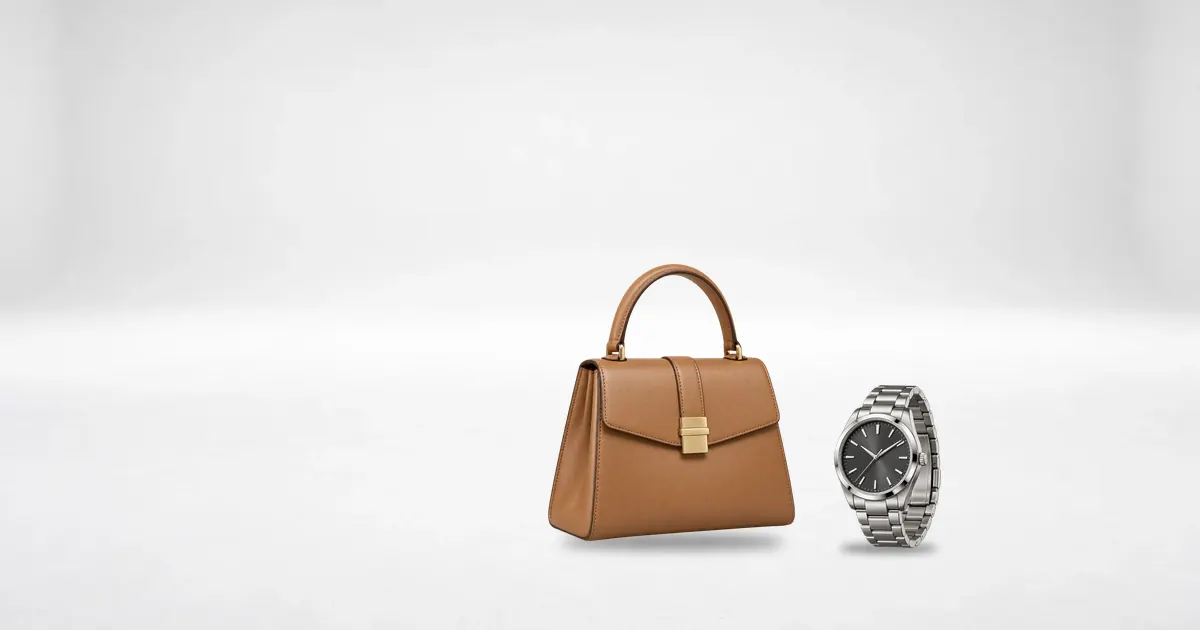
- A main picture for each product on “White seamless” for your store's offer page; start from the “Clean catalogue · white” look.
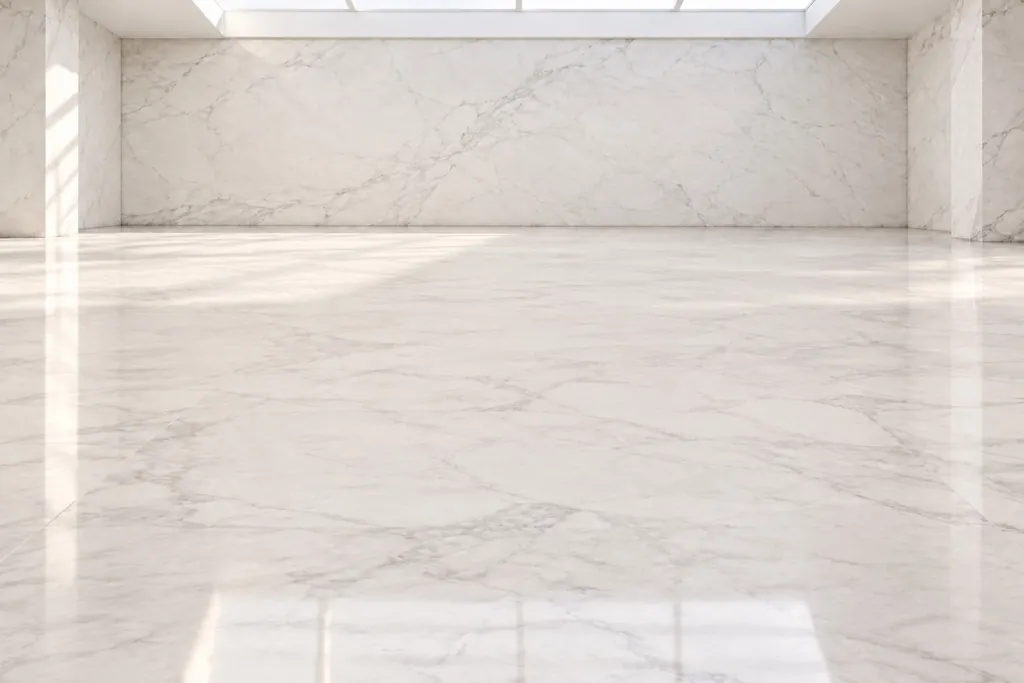
- Gift and set pictures in the “Marble gallery”; start from the “Marble gallery · product hero” look.
- On-model shots for fashion and abayas, with the same face across all the campaign's pictures.
- Stories in the Story 9:16 frame for each phase, and close-ups of jewellery and perfume with the “Sparkle” effect.
Nawaa's default posting times
These are Nawaa's default times for each platform when there is no better data about your audience; they are not market data, and you can change the time of any post yourself.
| Platform | Default time |
|---|---|
| 19:30 | |
| TikTok | 21:30 |
| Snapchat | 21:30 |
| X | 13:00 |
| 09:00 | |
| YouTube | 17:00 |
Checklist
- Set your offer dates and your real discounts, and add them to your brand's description in Nawaa or to the posts' captions.
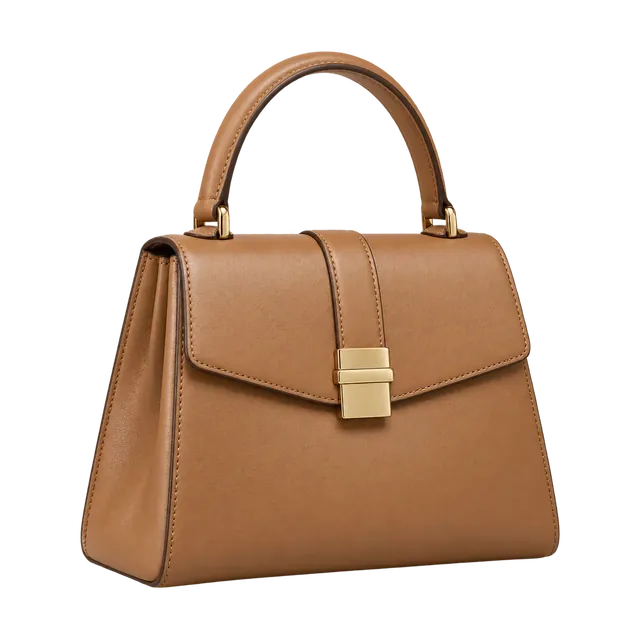
- Choose the products included and prepare a clear reference photo of each.
- Shoot the main pictures, the gift pictures and the Stories with the same settings.
- Check every picture: colour, shape and any text on the product, because a product photo must not mislead the buyer.
- Generate a Nawaa plan before the season starts, since it begins the day after you generate it, then review every post and export it to your calendar or schedule it.
Your campaign plan with Nawaa
When your campaign period falls in the season, Nawaa adds White Friday to what it knows about the week and uses it only if it suits your brand. Nawaa never invents prices or discounts and writes only from your brand's data, so add your real offer to your brand's description before generating, or edit the post's caption afterwards.
For the next season's dates, read the Ramadan content calendar.
Frequently asked questions
When is White Friday in Saudi Arabia?
Nawaa places it in the usual window between 20 and 30 November every year, and every store sets its own offer dates, so go by your store's dates.
When should I start preparing?
Prepare the pictures and the plan early enough before your offers start to leave room for the teaser phase and for reviewing every picture and post. A Nawaa plan starts the day after you generate it, so generate it early enough before the season to include the teaser.
Which pictures do I need?
A clean main picture for each product, pictures of gifts and sets, on-model shots for fashion, and 9:16 Stories for each phase. All of them are built in the Studio from photos of your real products.
Will Nawaa build the plan for me?
Yes. Nawaa writes the campaign's posts in Arabic and English with hashtags and a picture brief for each, and spreads them across your platforms and their times. You review every post before it goes out.
Will Nawaa write the discount percentage?
It never invents one. Nawaa writes only from your brand's data, so add the details of your real offer to your brand's description or to the post's caption; otherwise the copy carries no numbers.