AI fashion models for your clothing brand
In Lenci you choose AI fashion models, men and women, and set each model's age band, outfit, head cover, face, pose and camera angle, or use your own model with their permission. You then generate the picture for free with your own ChatGPT, Gemini or Grok account, with no Lenci credits; your AI provider's limits and charges apply.
Try the “Editorial · concrete loft” look How to shoot free with your own AI
Last updated
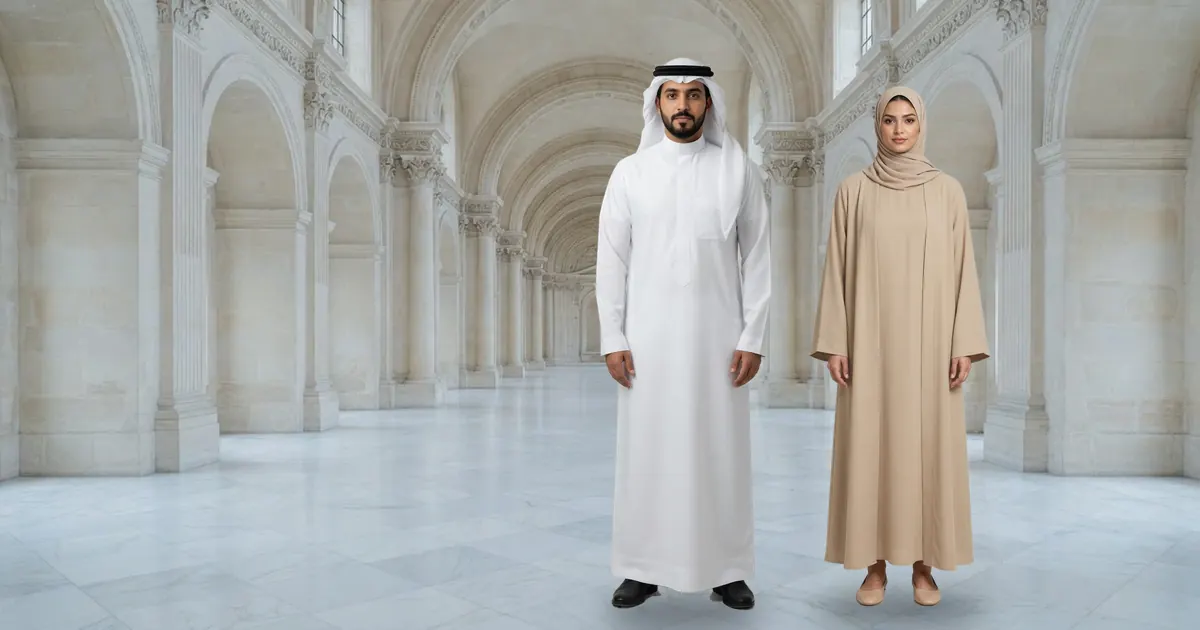
The catalogue models
Lenci builds a model from separate choices that never contradict each other: the person (a woman or a man), the age band (18–29, 30–44, 45–59, or 60 and over), the outfit, the head cover, the face and the pose. The Studio offers only valid combinations, so a men's outfit never lands on a woman and a ghutra never goes with a dress.
The catalogue holds ready adult faces from many regions, from Saudi Arabia, the Gulf, the Levant, Egypt and the Maghreb to Africa, Asia, Europe and Latin America, including faces with hijab, ghutra or shemagh. All of them are generated with AI and do not depict real people: each is a virtual model you choose for your brand.
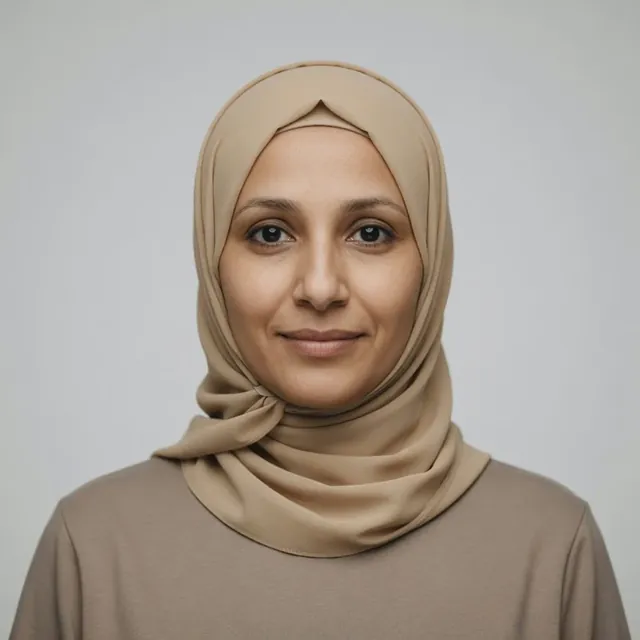

Gulf looks and hijab
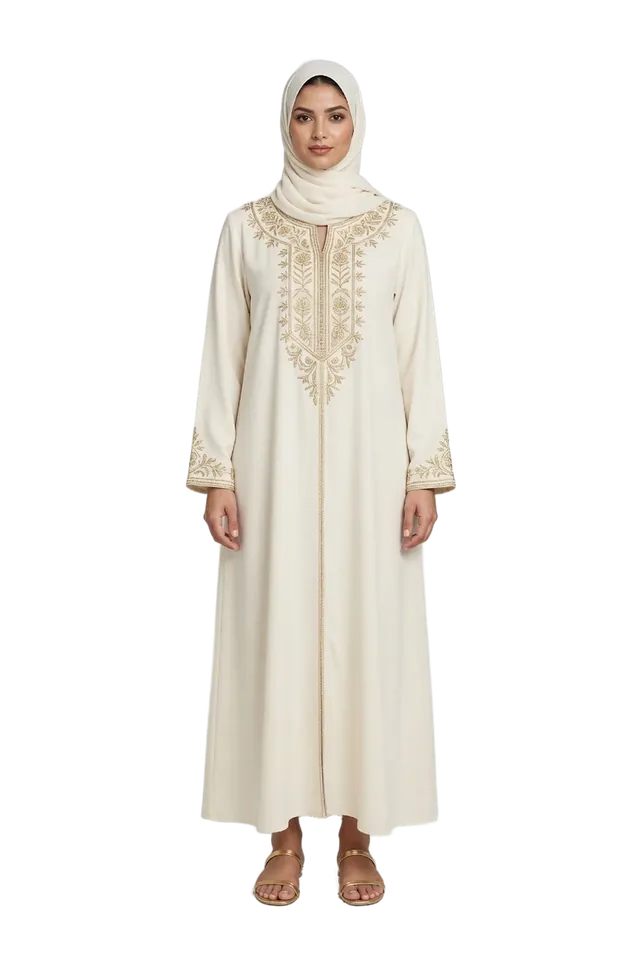
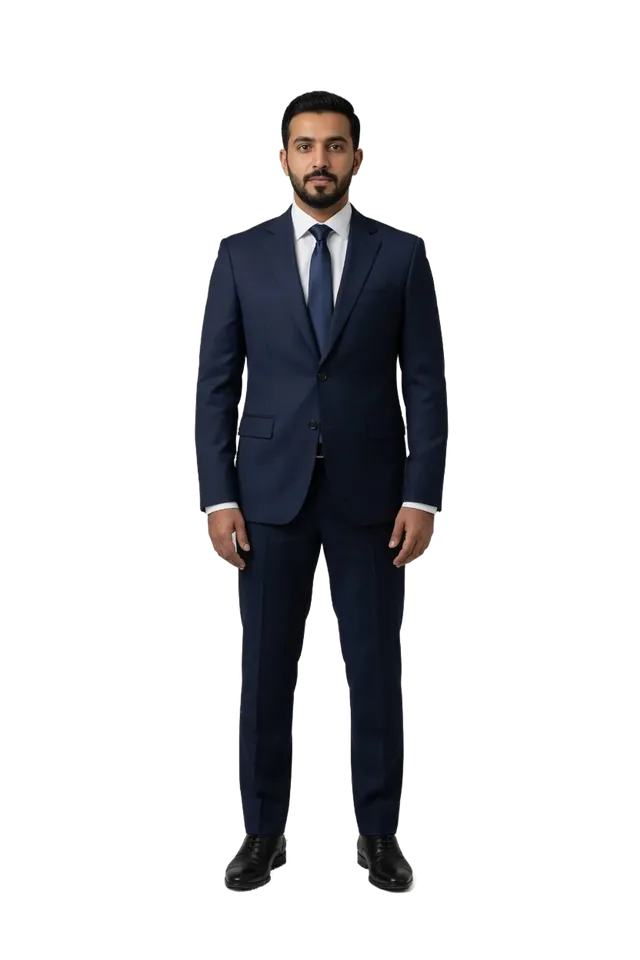
Every outfit in the catalogue is modest, and each outfit offers only the head covers that suit it:
- For women: “Classic black abaya”, “Open sand abaya”, “Embroidered jalabiya”, “Modest evening dress”, “Ivory coat set” and “Modest casual”, each with “Hijab (shayla)” or “Hair up, uncovered”.
- For men: “White thobe” with “Ghutra & agal” or “Shemagh & agal”, and “Bisht over thobe” with “Ghutra & agal”.
- Also for men: “Navy suit”, “Smart casual” and “Casual”, with “No head cover”.
- With a hijab, make-up stays a choice; with uncovered hair you pick the hairstyle; for men, the beard comes from the face itself.
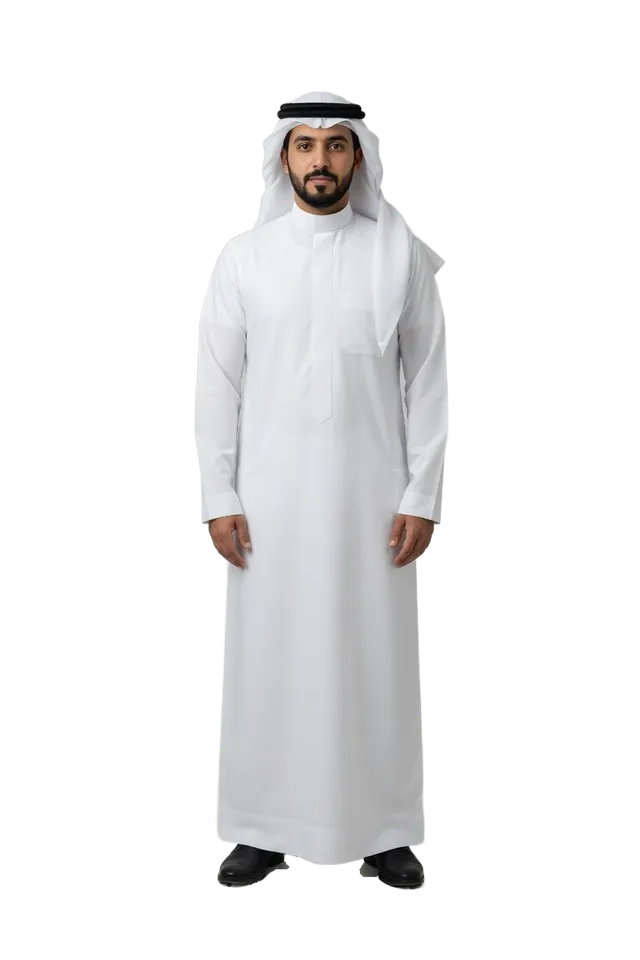
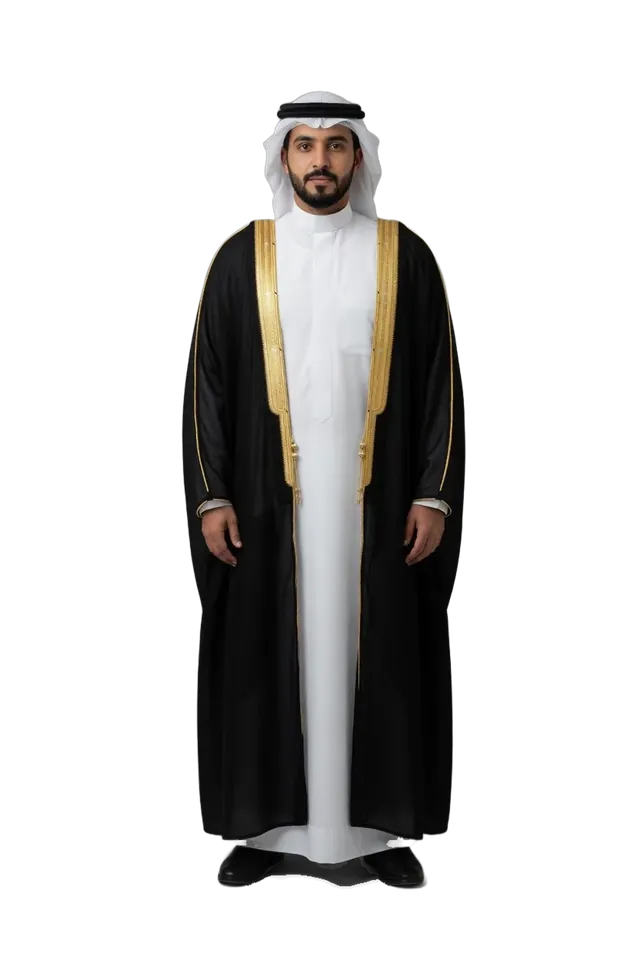
Expressions, poses and angles
The poses available today with a full preview for every outfit are “Stand”, “Walk toward”, “Side view”, “Over the shoulder” and “Seated”. Each pose is prepared from three angles, “Eye level”, “Low 45°” and “High 45°”; other angles are shown from the eye-level plate, and the instructions ask for the angle you chose.
You choose the expression from “Neutral”, “Soft smile”, “Laugh” and “Intense”. The Studio does not offer the “Ground” angle with long women's garments.
Your own model, with explicit permission
If your brand works with a real model, add their photos under My models once signed in and confirm: “I have this person's permission to use their likeness in generated images.” The front photo is required, and side, three-quarter and back photos improve the match; the Studio then sends them as the identity reference with every shot, which helps keep the same face; check each result.
The Terms of Service make that permission your responsibility, and a minor's image needs a parent's or guardian's permission.
You can instead describe a model in your own words, and Lenci creates a studio portrait with Lenci credits and saves it with your models.
One model across a collection
With every shot Lenci sends a single identity reference for the person, whether a catalogue face or your own model, which helps keep the same person across the whole collection; check each result. Save your scene as a look, then swap only the piece from your Wardrobe or the pose.
How to shoot with your own account is explained on Shoot with your own ChatGPT, Gemini or Grok. For examples by product, read Abaya photography.
Frequently asked questions
Are these real people?
No. The catalogue faces and the model images in Lenci's preview are generated with AI and do not depict real people. A real person only appears in your pictures if you add their photos yourself, with their permission.
Can I use my own model's face?
Yes, as long as she has explicitly allowed her likeness to be used in generated images. Add her photos under My models and confirm the consent, and the Studio uses them as the identity reference in every shot.
Does the model wear my actual garment?
The tool works from your reference photo: add the piece to your Wardrobe and pick it, and the instructions ask for the model to wear exactly that garment. Some details can change, so compare the result with the real piece before you publish.
Can I choose the age, the look and the hijab?
Yes, within the catalogue's options: four age bands, the women's and men's outfits, the head covers that suit each outfit, and the hairstyle or make-up. One regular build is available for now.
Can I use the images in ads?
Yes. You own the results and may use them commercially under the Terms of Service and the AI provider's policies. Where the law or a platform requires it, disclose that the picture was generated with AI.